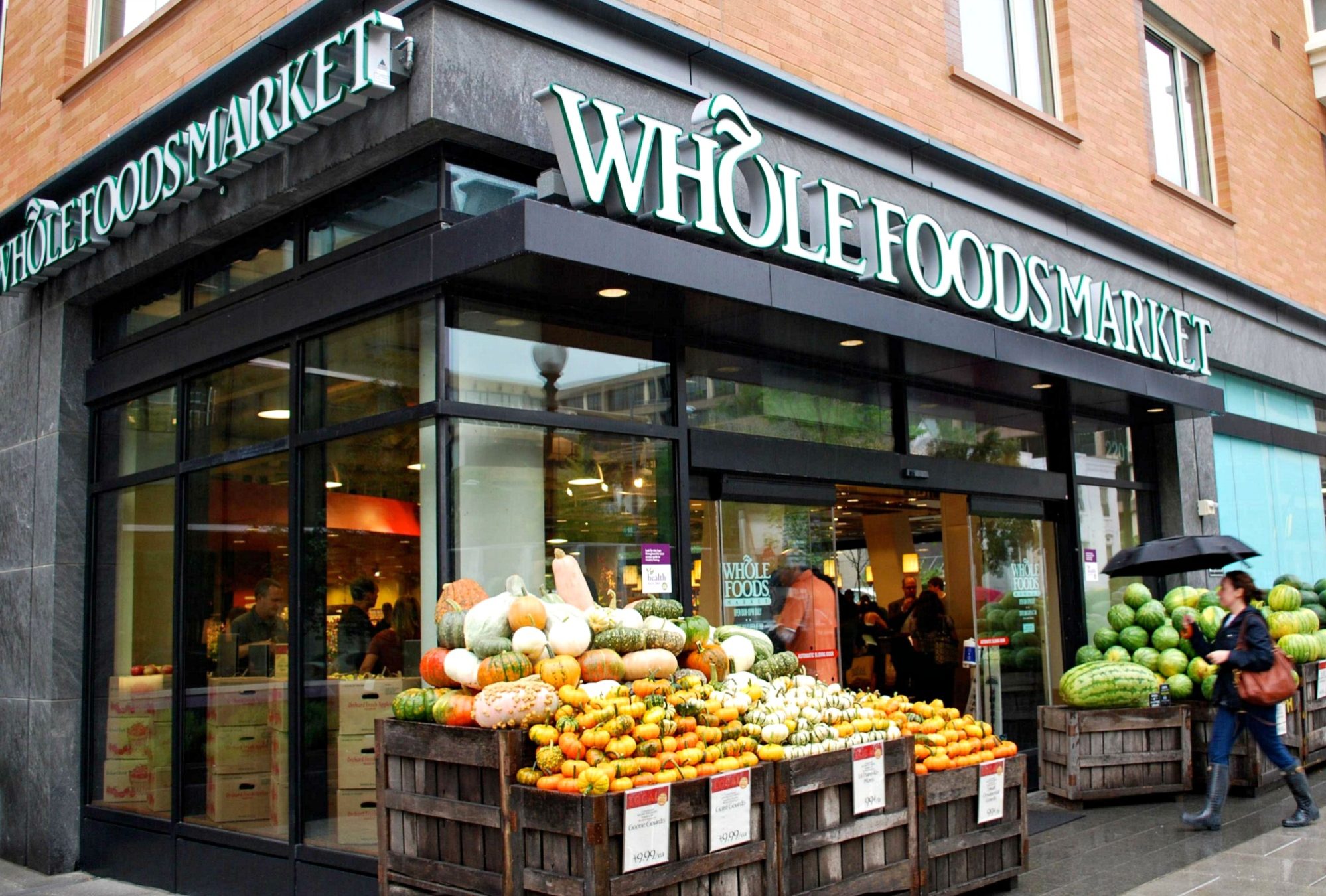
Amazon Prime Members, when you spend $10 or more at Whole Foods Market between July 3rd – July 16th, you’ll get $10 in Amazon credit to spend on Prime Day 2019 (July 15th & 16th)!
How to get your $10 credit:
- Head to Whole Foods Market starting July 3rd and add $10 or more in groceries to your cart.
- At checkout, scan your Prime Code or enter your mobile number (see more details about this below or visit this Whole Foods info page).
- You will receive a $10 Amazon account credit that will be valid starting at 12:00 AM PT on Monday, 7/15 through 11:59 PM PT on Tuesday, 7/16.
Just head to this Amazon Prime savings page to download the free Whole Foods Market app and connect your Amazon account to receive your Prime Code. Or update your Amazon settings to include your mobile number. Just be sure to turn on the “Use my mobile number” setting.
After you make your eligible purchase at Whole Foods, you’ll receive an email from Amazon confirming that the $10 promotional credit has been added to your account and that the discount will be automatically applied at checkout.
Know that there is a limit of one $10 Amazon credit per customer per account, and the $10 credit is only good for purchases on Amazon (and does not apply to Amazon Gift Cards or Prime Now transactions).

Leave a Reply